


- Web templates
- E-commerce Templates
- CMS & Blog Templates
- Facebook Templates
- Website Builders
FAQs
General Tutorials
Featured templates
MonsterONE Subscrioption









This tutorial will show you how to put the Joomla website in maintenance mode.
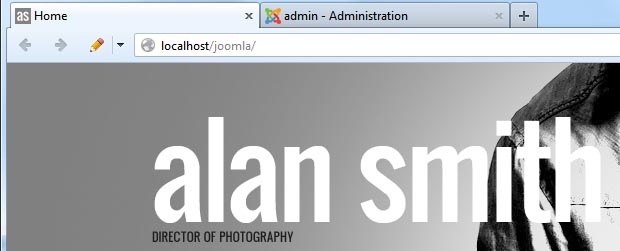
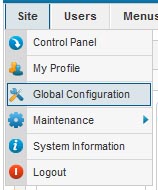
1) In your admin panel, go to Site => Global Configuration
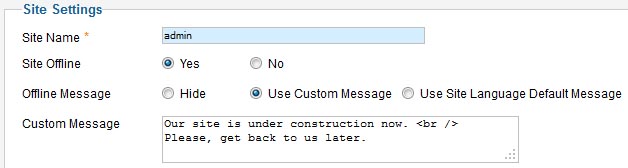
2) Site Offline – Select whether access to the Site frontend is available If Yes, the frontend will display or not a message depending on the settings under "Offline message" option.
Offline message – Display or not a frontend message when the site is offline.
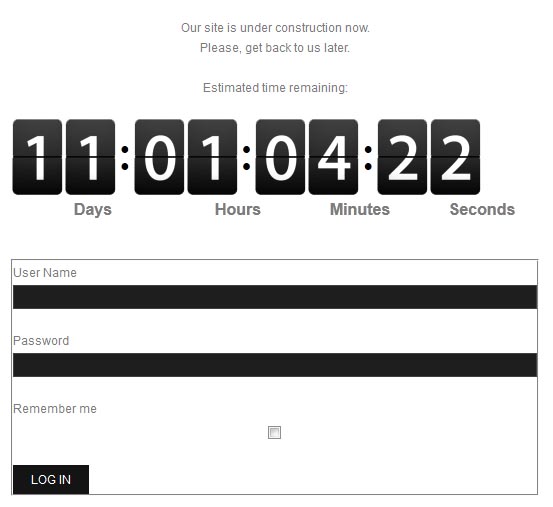
3) After you save changes your website should be set under maintenance mode.
Feel free to check the detailed video tutorial below:
Joomla. How to put the website in maintenance mode
.jpg)
